
This post contains affiliate links. If you sign up through them, I may earn a small commission at no extra cost to you.
Jeri makes personalized embroidery: “mama” sweatshirts, custom baby quilts, and stuffed animals stitched with a child’s name. She sells through Shopify, and every order is one of a kind.
That’s what her customers love. It’s also what was eating her week.
Where things were getting stuck
Every custom order started as a text conversation. A customer would ask about a sweatshirt, then send a photo for inspiration, then a question about fabric, then another photo, then a thread color, then a change to the thread color.
Multiply that by every customer, and Jeri was spending hours each day:
- Answering the same questions about colors, fabrics, appliqué and thread
- Scrolling back through threads to find which photo went with which order
- Trying to remember what stage each order was in and who she still owed a reply
- Calculating prices by hand
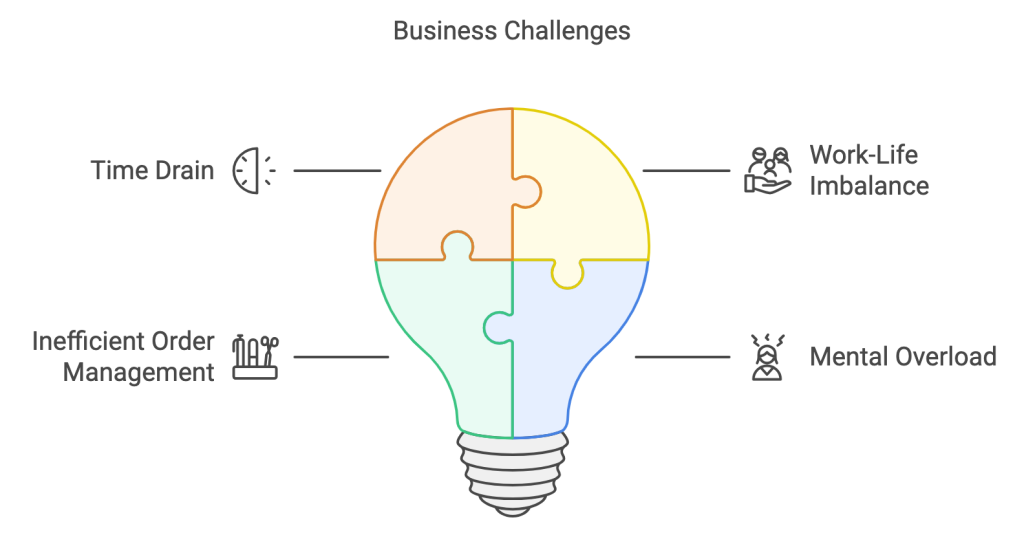
None of that is sewing. And with four kids at home, the texting spilled into the evenings that were supposed to be for family.
Jeri didn’t need to work harder. She needed the order details out of her phone and out of her head.
What I built
I started by mapping how an order actually moved from “I’m interested” to “it’s shipped.” Then I built the system around that flow, not the other way around.
Customer → order form → SmartSuite → ClickUp → production
1. One order form instead of a text thread
I built a custom order form in Fillout with photos of Jeri’s products, so customers could see exactly what they were choosing. The form collects:
- Item type
- Fabric and color
- Thread color
- Inspiration photos (uploaded right in the form)
- Any extra notes
Everything Jeri needs to start an order now arrives in one submission. Fillout works well on a phone, which matters because that’s where most of her customers order from.
2. Every order becomes an organized record
When a customer submits the form, a record is created automatically in SmartSuite with their contact info, choices, photos and notes all in one place.
I also set up views in SmartSuite to:
- Group orders by thread color
- Sort orders by production stage
- Bring rush orders to the top
3. Pricing and confirmations, handled automatically
The system calculates the price from the customer’s selections and sends a confirmation email right away. The customer knows what they ordered and what it costs, and Jeri doesn’t have to do the math or send a follow-up to double-check.
4. A ClickUp task for every order
Each new order also creates a task in ClickUp, where Jeri manages her day. The task includes the order specs, customer details, production notes and a link back to the full SmartSuite record. ClickUp shows her what to work on next, and SmartSuite holds the details.
The results
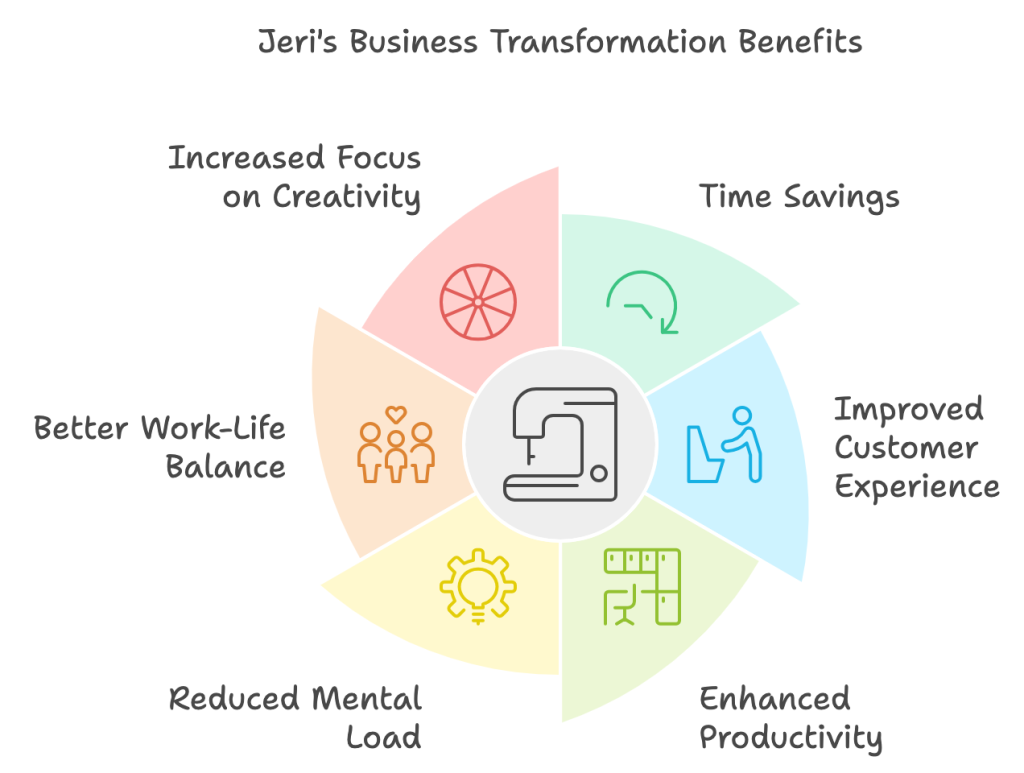
10+ hours saved every week. That’s more than 40 hours a month that used to go to texting, searching and calculating. Jeri puts that time into production and her family.
Far less back-and-forth. Customers give her everything up front in the form, so she’s no longer chasing details or hunting for photos.
Less to keep in her head. She doesn’t have to remember who said what. It’s all in the record.
Faster production. Grouping orders by thread color means fewer thread changes and more batching, which speeds up turnaround.
A better experience for customers. Ordering something custom now takes a few minutes in one form instead of a long text conversation.
Tools used
- Fillout for the custom order form
- SmartSuite for order records and production views
- ClickUp for daily task management
- Automations connecting all three, including pricing and confirmation emails
Is your custom order process living in your texts?
If you sell custom products on Shopify, Etsy or your own site, and your order details are scattered across messages, DMs and memory, there’s a simpler way to run it.
I’ll map how your orders actually flow and build a system that collects the details up front, keeps them organized and frees up your time for the work you love.